 Mint Launcher
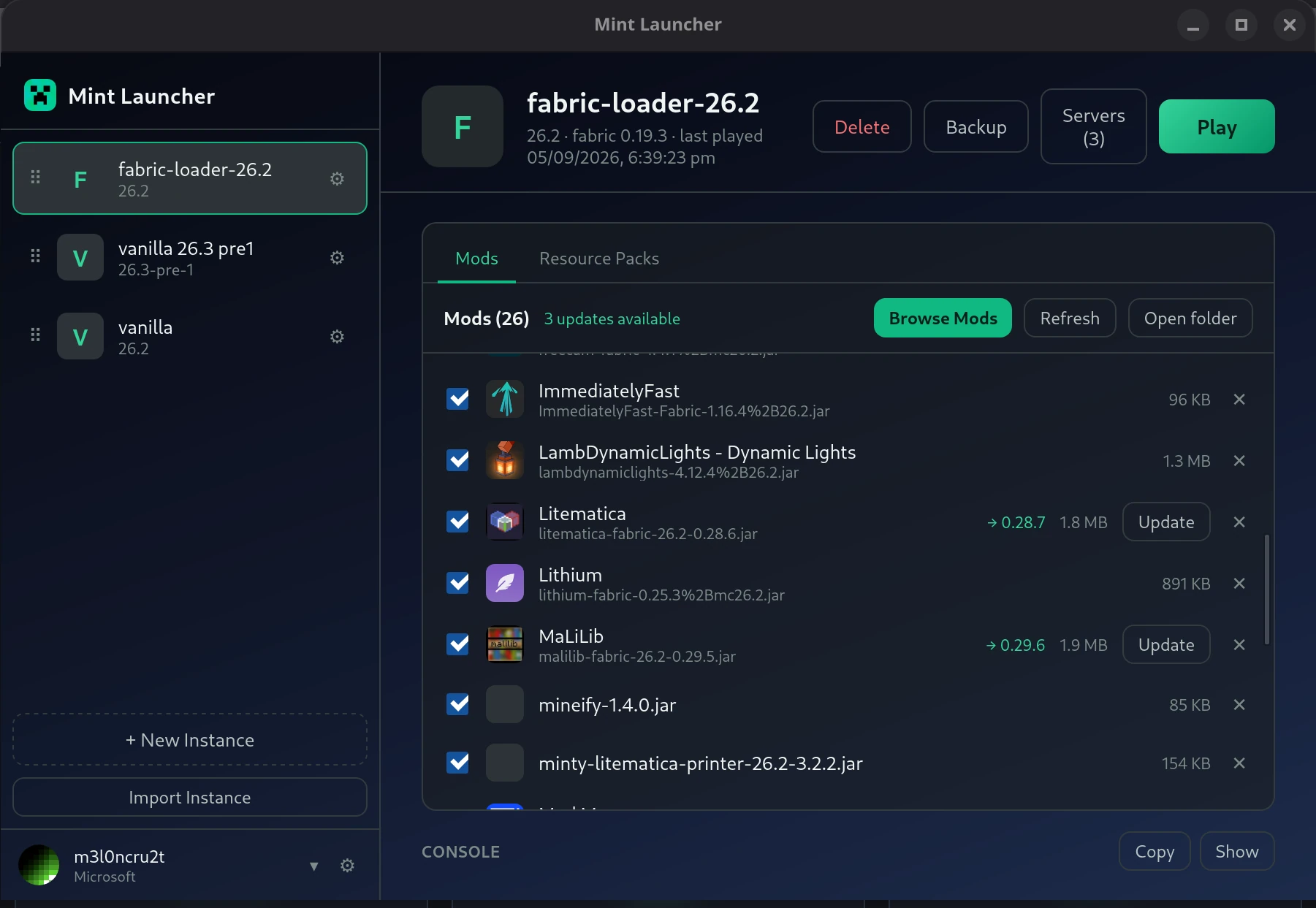
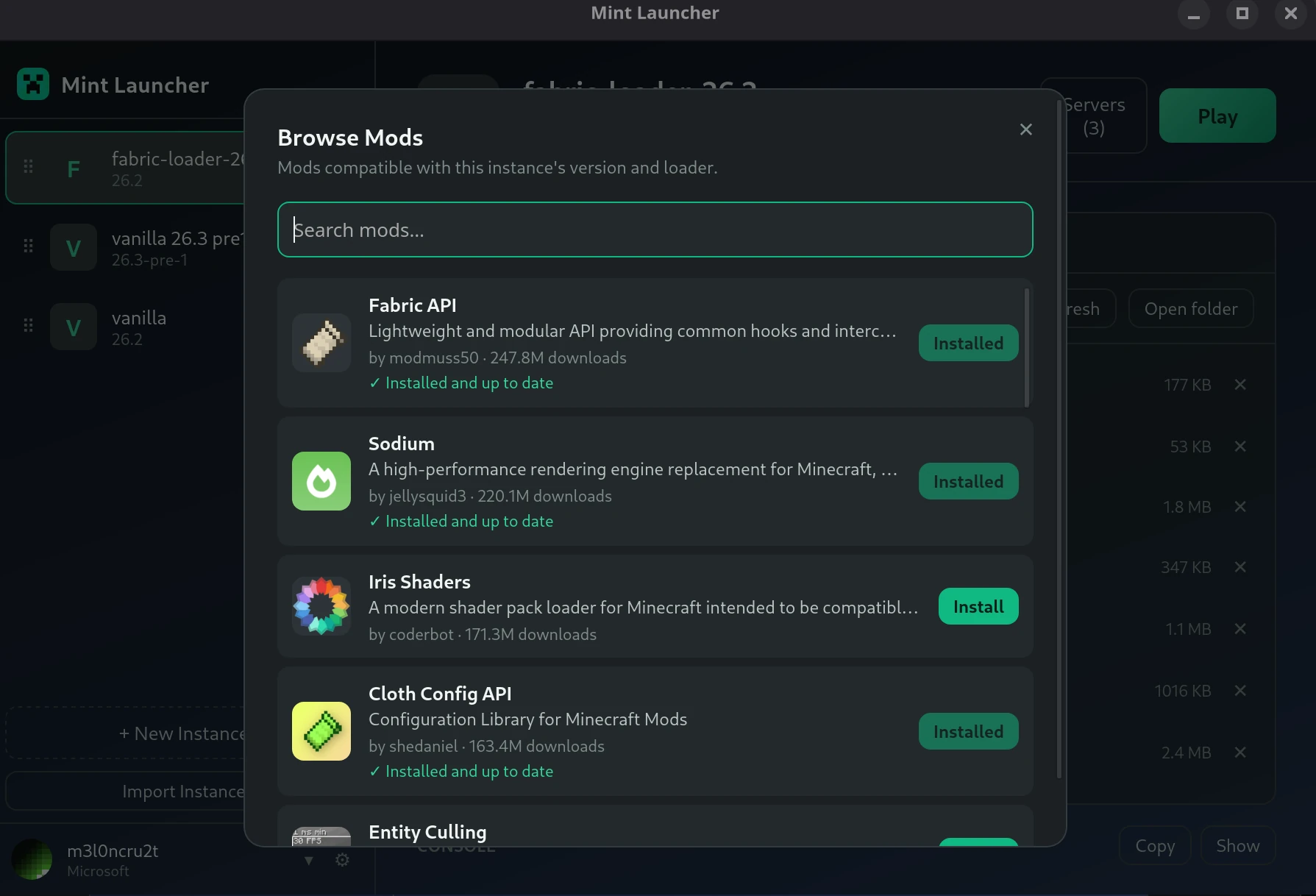
A fast, clean, open-source Minecraft launcher — manage multiple instances, browse and install mods & resource packs from Modrinth, sign in with a real Microsoft account or play offline, and bring your existing setup over from the official launcher, Prism/MultiMC/PolyMC, CurseForge, or the Modrinth App.
Checking latest version…
Download



Features
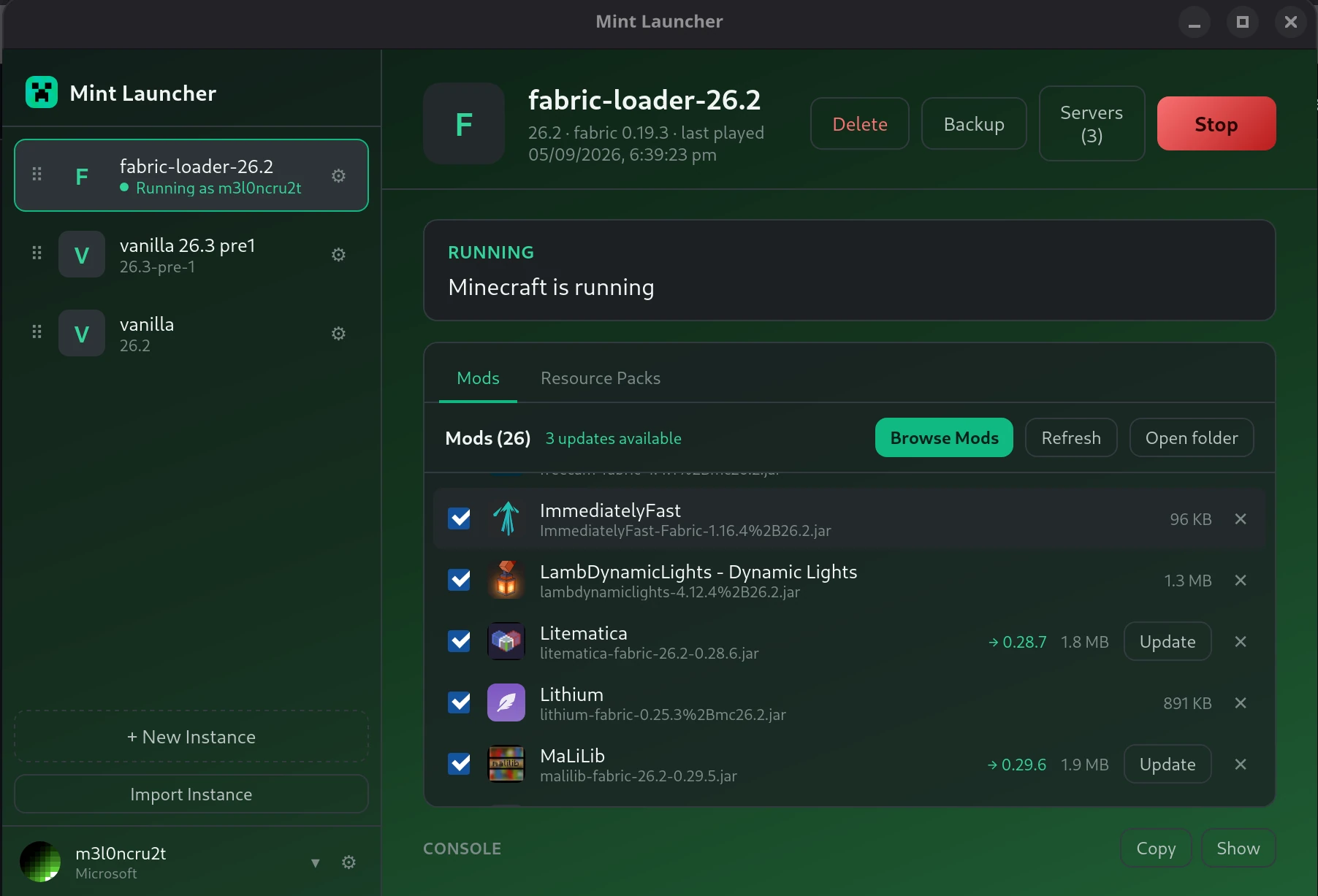
- Instances — each with its own mods, resource packs, saves, and settings; drag to reorder
- Modrinth integration — search and install mods/resource packs, check for and apply updates
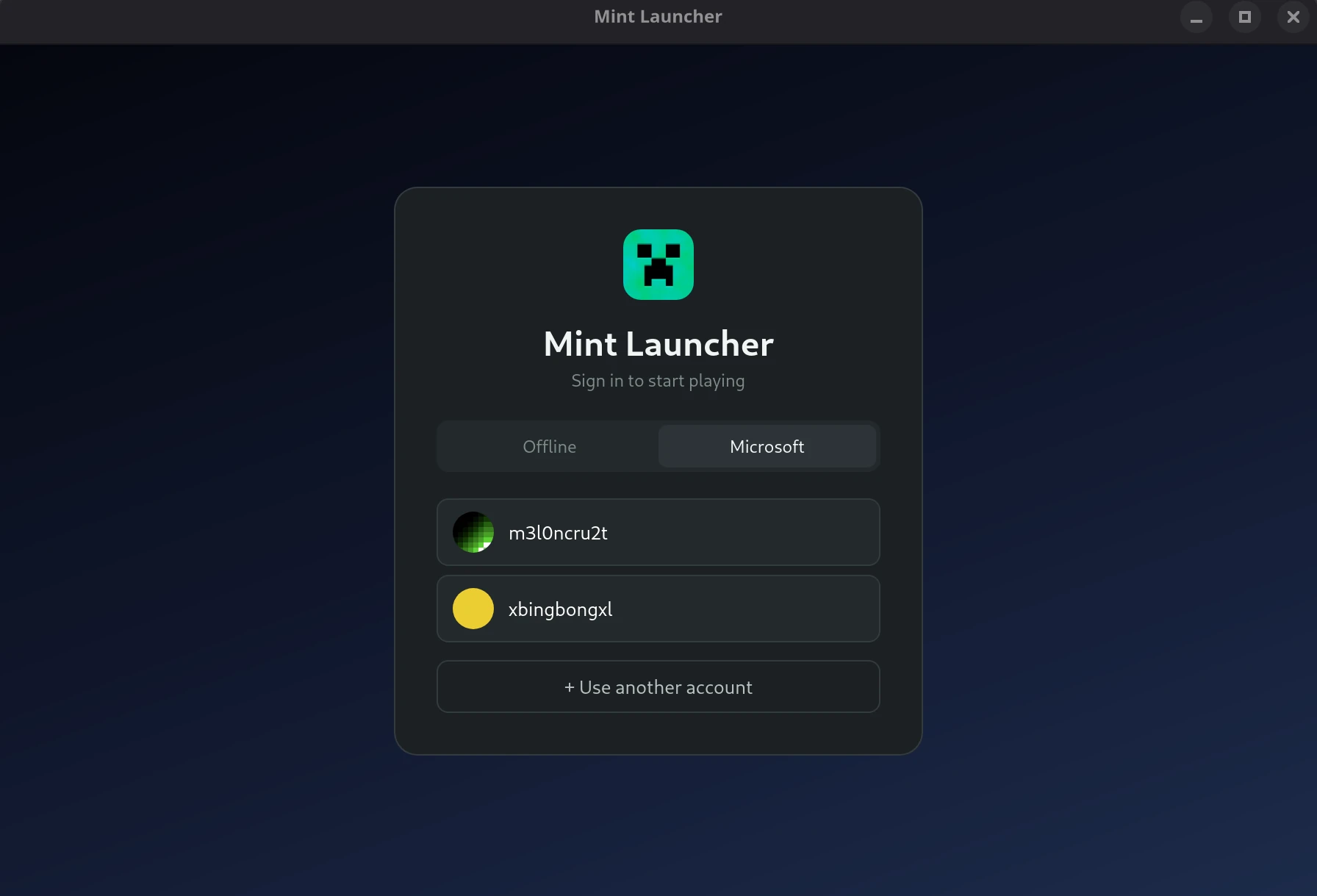
- Accounts — real Microsoft sign-in or offline play, with support for multiple saved accounts and per-instance account binding
- Import — bring in instances from the official launcher, Prism/MultiMC/PolyMC, CurseForge, or the Modrinth App, or restore a Mint Launcher backup
- Automatic Java — detects the Java version each Minecraft release needs and downloads a matching runtime for you if one isn't already available
- Live console — streamed game output with a one-click copy button, and automatic crash hints for common failure causes
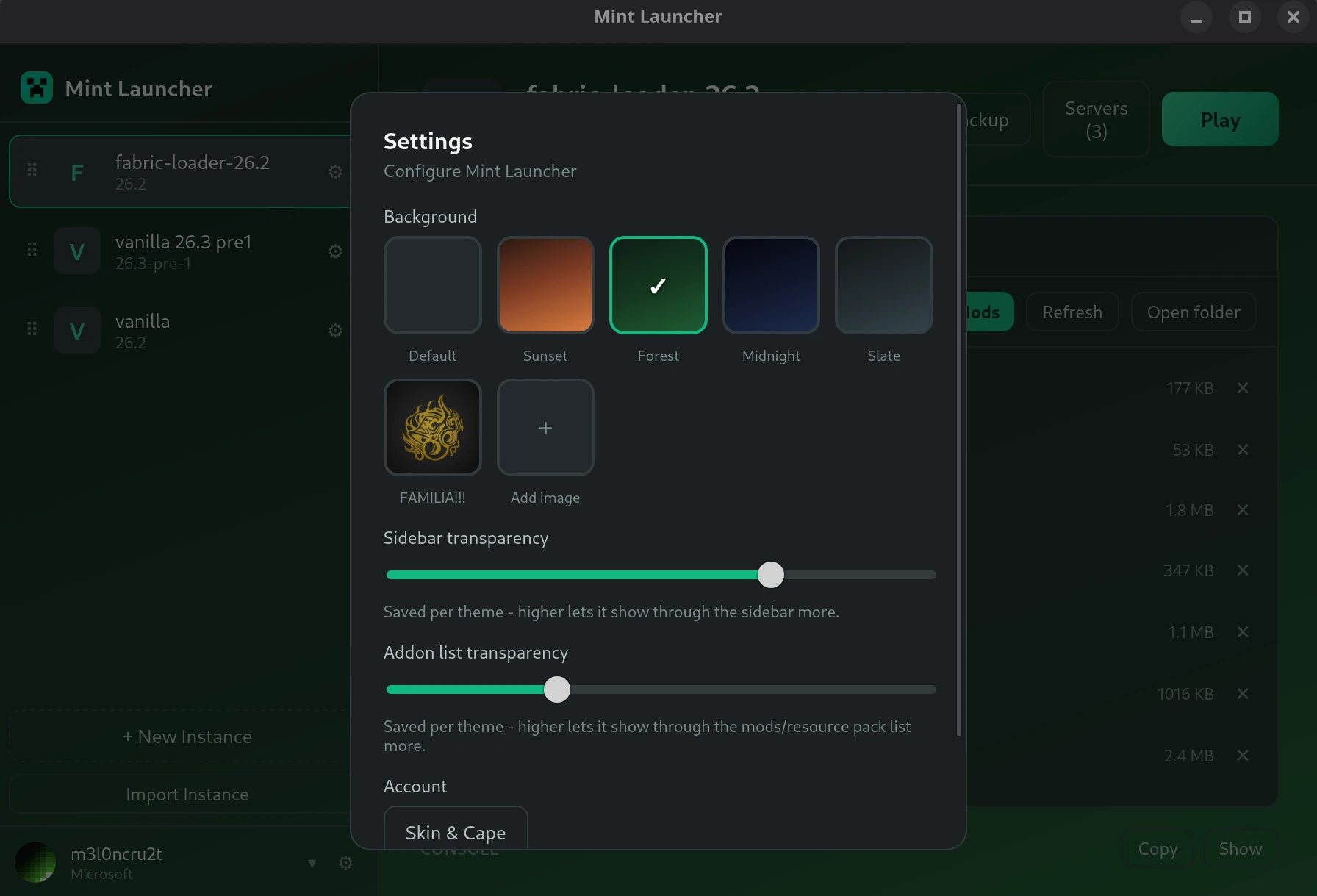
- Custom themes and backgrounds
- Auto-updating — both the installed and portable builds check for and install updates
Requirements: Windows 10+, macOS 11+, or a reasonably modern Linux distro — nothing else, Java is handled for you.
Notes
Mint Launcher isn't code-signed yet, so Windows may show a SmartScreen warning
("Windows protected your PC") on first run — click More info →
Run anyway.
Looking for an older version, source code, or release notes? See the
full releases page
on GitHub.